
How to Send Large Files Online for Free (Fast & Secure)
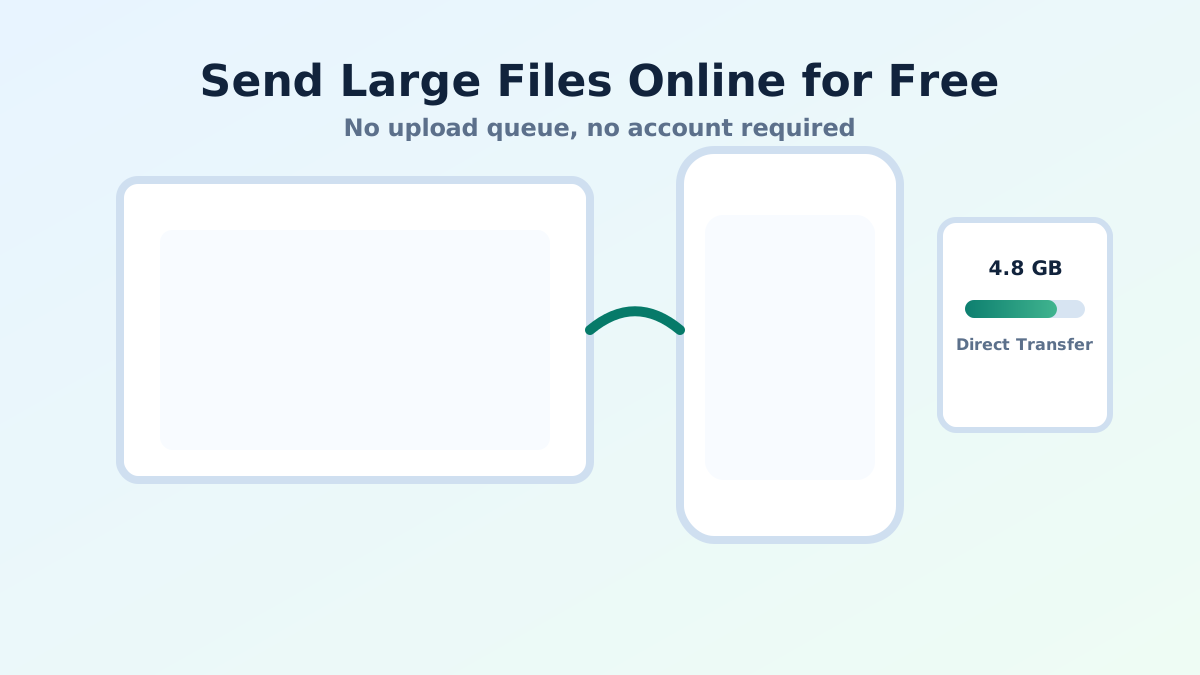
Sending large files online can be frustrating. Many services require you to upload files, wait for processing, and deal with size limits or slow speeds. If you have ever tried to send a big video, project file, or high-resolution images, you know how painful it can be.
The good news is that there are faster and simpler ways to send large files online for free, without waiting for uploads or creating accounts.
Why Sending Large Files is Difficult
Most traditional file-sharing methods have limitations:
- Email: Usually limited to 20-25MB attachments
- Cloud storage: Requires uploading before sharing
- File sharing sites: Often slow and require login
These methods can be time-consuming, especially when you need to send files quickly.
The Faster Way: Direct File Transfer
Instead of uploading files to a server, modern tools use peer-to-peer technology to send files directly between devices. This eliminates upload delays and makes the process significantly faster.
With tools like QuickDrop, you can transfer large files instantly using a browser-based connection.
How to Send Large Files Online for Free
- Open QuickDrop on both devices
- Scan the QR code to connect
- Select the large file you want to send
- Transfer starts instantly
Because the file is sent directly between devices, there is no need to upload it first.
Benefits of Using Peer-to-Peer File Sharing
- Faster speeds: No upload delay
- No size restrictions (practical limits only): Depends on your connection
- Better privacy: Files are not stored on servers
- No account required: Instant use
When Should You Use This Method?
This method is perfect for:
- Sending large videos
- Sharing project files
- Transferring high-quality images
- Quick file sharing between phone and laptop
Things to Keep in Mind
- Both devices need to be online at the same time
- Speed depends on your internet or network quality
- Very large files may take time on slow connections
Conclusion
If you are looking for a fast and free way to send large files online, peer-to-peer tools like QuickDrop offer a simple and efficient solution.
Learn more about sending files without internet in our complete guide.
Start sharing large files instantly at QuickDrop.